Log in to the VIP Dashboard
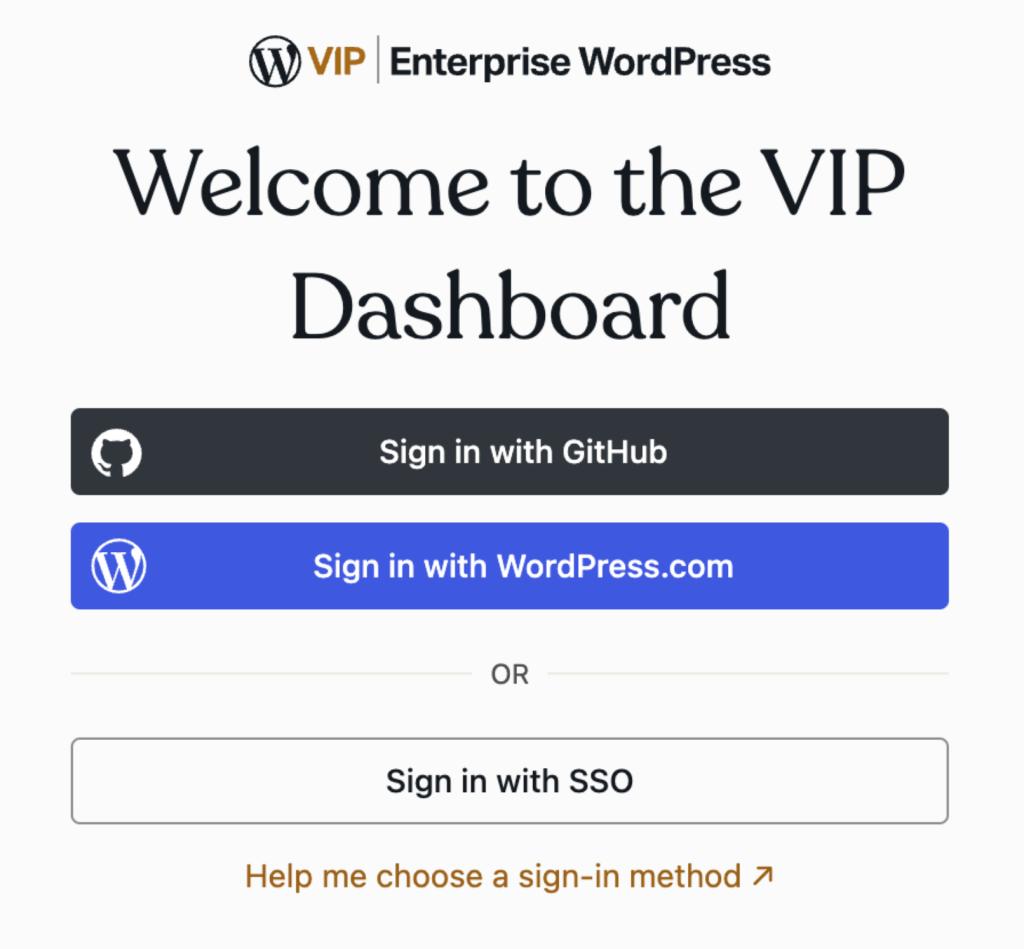
Logins to the VIP Dashboard can be authenticated with a GitHub user account, a WordPress.com user account, or with an existing Single Sign-On (SSO) configuration. Once logged in, a user’s ability to access and interact with areas of the VIP Dashboard is defined by the Org role or App role that is assigned to the user.
Access
Prerequisites
- To log into an organization’s VIP Dashboard, a user must receive an invitation from that organization.
- Only users with an Org admin role can invite new users to the VIP Dashboard.
The Org admin assigns an Org role or an App role to all users. A user’s role defines the level of access they have to the VIP Dashboard for an organization and the applications that belong to it.
Once logged in, a user can interact with the VIP Dashboard from different views:
Multi-factor authentication
Multi-factor authentication methods for signing in to the VIP Dashboard:
- Sign in to the VIP Dashboard with GitHub.
- Sign in to the VIP Dashboard with WordPress.com.
- Sign in to the VIP Dashboard with SSO.
Using a GitHub or WordPress.com user account to sign in to the VIP Dashboard also requires at least one MFA method to be configured with VIP Authentication.
Remembering the Last Used Login
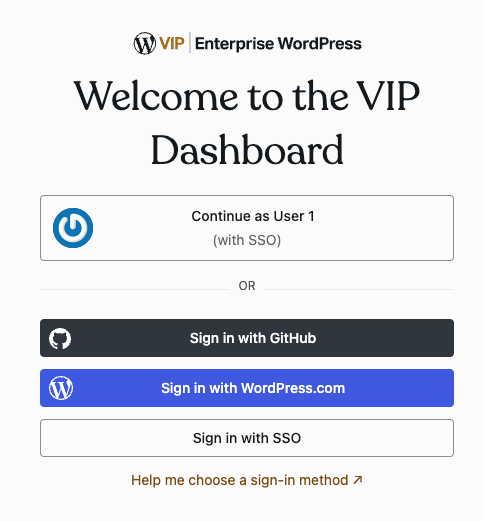
If a browser has been used to log into the VIP Dashboard successfully, the VIP Dashboard will remember and present that login method on future visits on the same browser once that original login token expires. Selecting this login method will take the user through the login flow of that particular login method.
However, this prompt will not be displayed if a user logs out manually by selecting their profile icon and then selecting “log out”.
Last updated: January 01, 2026