VIP Code Analysis Bot status
The GitHub interface will display a “Pending — In progress” status message while the VIP Code Analysis Bot is analyzing a pull request.

Once the analysis is complete, the status will be updated to show the result.
The Bot will indicate “No significant issues found” when no problems were found, or when only problems of warning severity were found. One or more error feedback items will lead to a status check failure. Any noted Informational comments do not influence the status check.

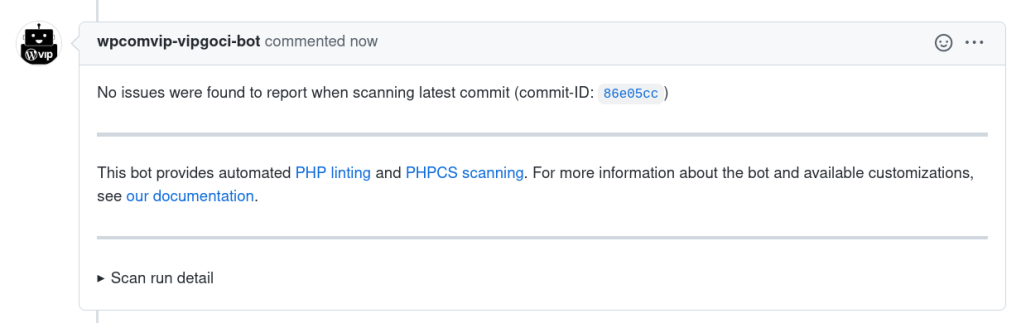
If no PHP linting or PHPCS/SVG issues were found in the code of a pull request, and the pull request cannot be automatically approved, the Bot will also submit a comment stating that “No issues were found to report when scanning latest commit (commit-ID: …)”.
The status check provided by the Bot pertains only to the results of analysis of the relevant commit itself, and any commits before it not analyzed so far. Older feedback items already posted do not influence the status check.
Maximum execution time
The Bot has a maximum execution time of ten minutes. If this is exceeded thstatus will show failure, without any message from the Bot.
This indicates that the Bot could not complete the scan – usually because there were too many files or some of the files were very large. In this situation, the pull request can still be merged.
Larger pull requests take more time for the Bot to execute analysis. Submitting smaller pull requests is encouraged whenever possible.
Last updated: July 14, 2026